POS
Point of sale
Point-of-sale systems are connected. Payments are assigned to the stay automatically, the daily closing matches without manual rebooking.
felixUnity · Hospitality software from GMS
A hotel PMS system (property management system) is the core of any hotel software: it manages reservations, rooms, guests and invoices. felixUnity is a hospitality software from GMS in which these tasks run on the same data. felix, the AI assistant in the system, prepares, your team approves.
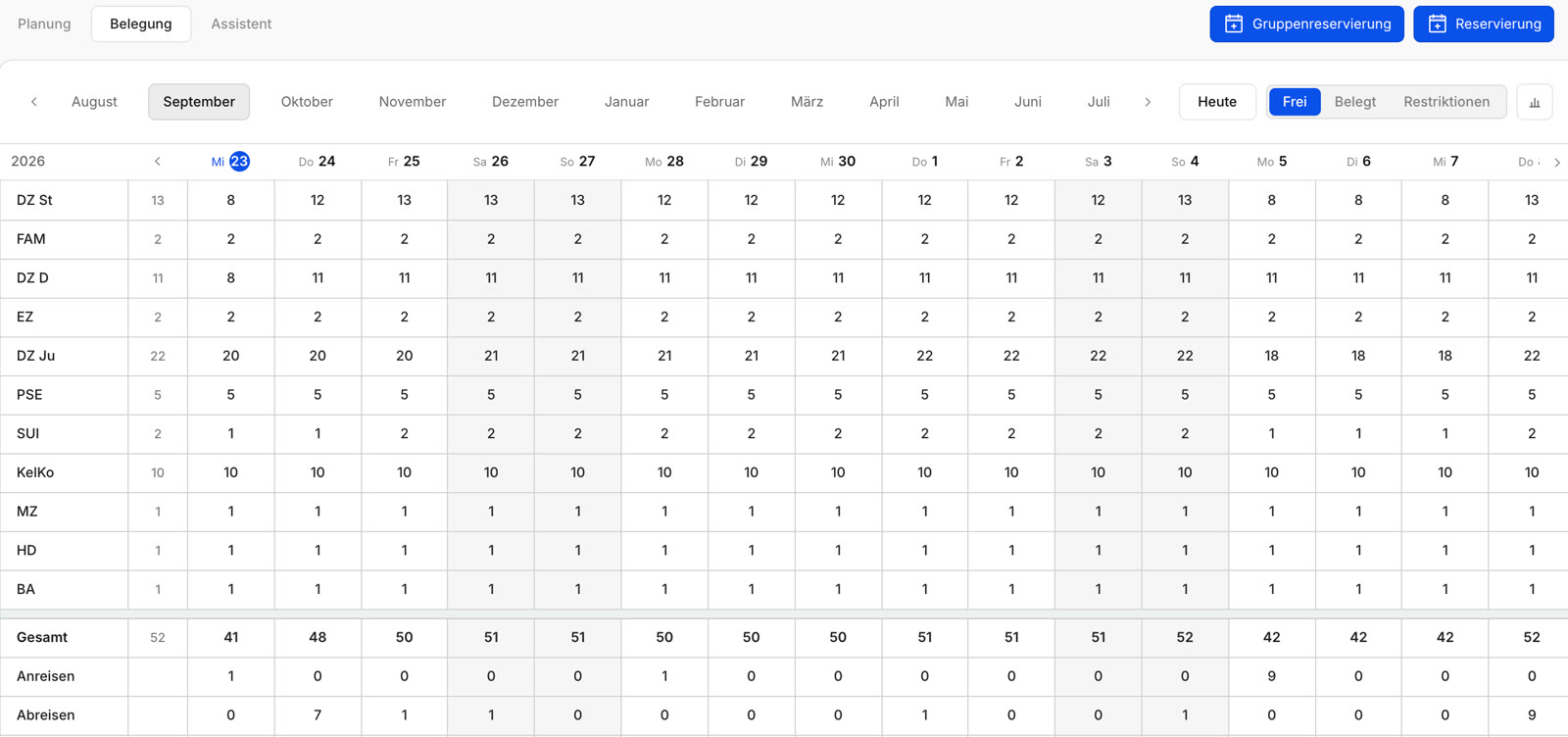
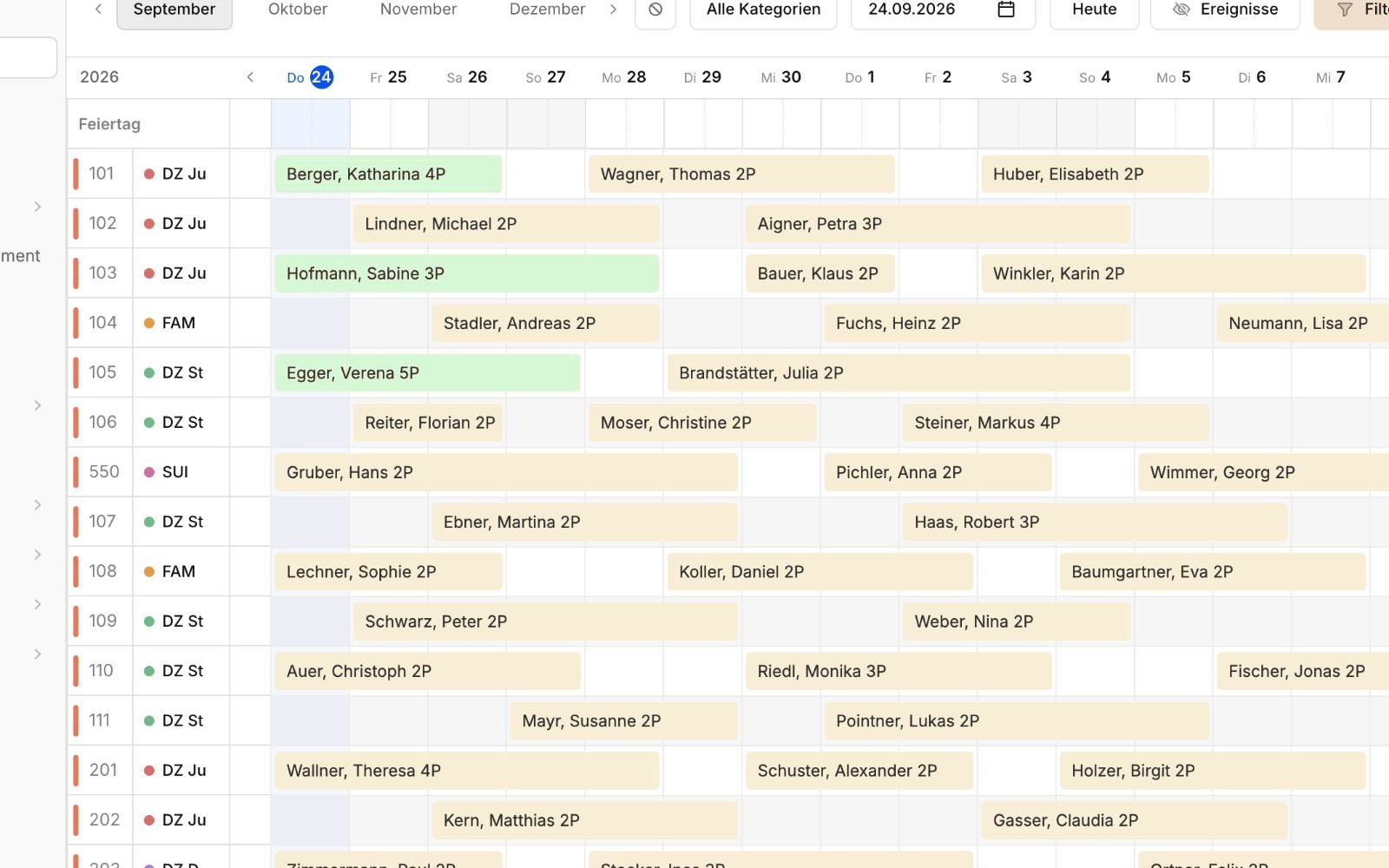
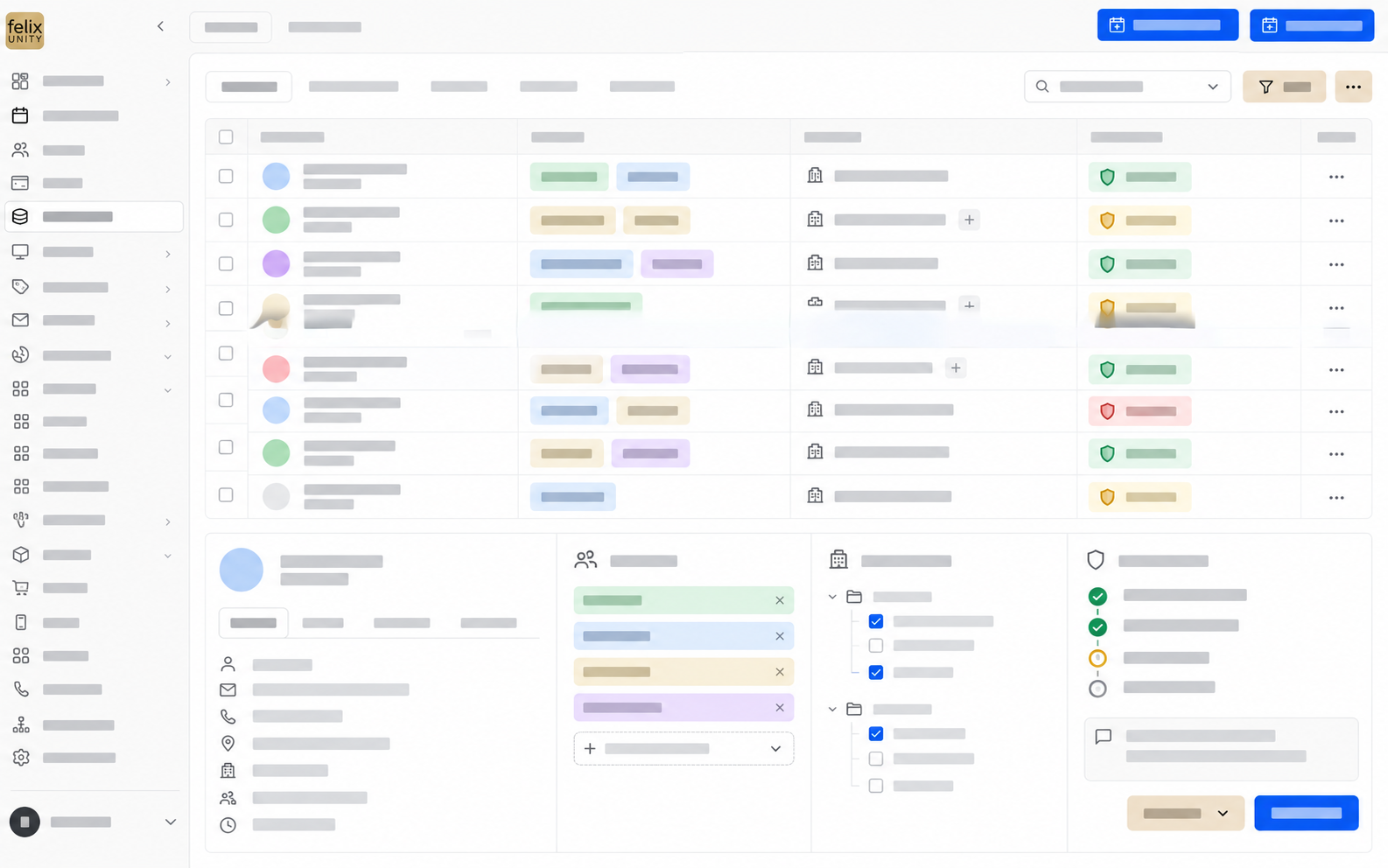
Reservations, room chart, housekeeping, invoicing, guest data and reports work with the same data. GMS develops the software and introduces it at your property.
felix is the AI assistant in the system. It reads enquiries, prepares offers and suggests rooms. Your team reviews and approves.
A browser and an internet connection are all you need to operate it. GMS sets up access during onboarding, and new features arrive continuously as releases. Write, speak or work in the familiar interface: everyone uses the same data.
Choose the page that fits your task.
A PMS works together with other systems. What can be connected depends on your project.
Point-of-sale systems are connected. Payments are assigned to the stay automatically, the daily closing matches without manual rebooking.
Rates and allotments run through connections to channel managers.
Guests book directly with you using GMS Online Booking. Or you keep using your existing booking system.
Accounting is connected, incoming payments are matched.
The door lock system can be connected. What the connection needs on site, we clarify before the start.
A dedicated area for every guest: view the booking, download the invoice, book extras.
30 minutes, tailored to your role.We show a workflow from your operation.
Experience felixUnity liveHow long the switch takes depends on data, integrations and processes.
Guest communication, offers, housekeeping or reports. You choose the workflow that costs the most time today.
Your current system does not have to be replaced right away. A project manager supports the start and introduces themselves in person.
Once the first workflow runs in day-to-day business, the next area is added. We compare processing time and error rate before and after.
Data transfer. We check technically whether data can be transferred before we commit to it. That depends on source system, data volume, interfaces and data quality.
How onboarding worksWhich functions your project includes, we clarify in the appointment.
PMS stands for property management system. It is the core system of a hotel: reservations, rooms, guests and invoices are managed there. Other systems such as point of sale, channel manager or accounting work with it through interfaces.
Creating and confirming reservations, managing occupancy, assigning rooms, checking in and out, maintaining room status, creating invoices and providing reports. In felixUnity master data, CRM and document management come on top.
felixUnity is a hospitality software that combines a PMS with felix, the AI assistant. You write or speak in plain sentences, felix prepares reservations, offers and tasks, and your team approves. The familiar interface is there as well.
Among others reservations, housekeeping, invoices, master data, CRM, document management, Smart Offer, guest portal and iButler. Which functions your project includes depends on its scope.
Point-of-sale systems are connected, payments are assigned to the stay. Rates and allotments run through connections to channel managers. Which connections your project needs and what they require on site, we clarify before the start for each one.
Yes. You can start in a defined area, your current system does not have to be replaced at once. Whether and how data is taken over is checked depending on source system, data volume and interfaces. A binding commitment follows after the technical check.
Your property decides: roles, access rights and approvals per area of work, from simply viewing to an automatic routine.
GMS introduces the software at your property. A project manager accompanies the start and introduces themselves in person. How long the switch takes depends on data, connections and processes.
You request the appointment through “See felixUnity live”. In the appointment we first clarify goals and system landscape and then show a process from your business.
How a process runs from enquiry to invoice in the system and where your team approves.
To the product InterfacesPoint of sale, channel manager, accounting, door locks: what can be connected.
See connections SwitchingProcess, data takeover and parallel operation when switching from the current system.
To switchingWe show what felixUnity takes over today and where approvals apply.
Who you will meet at the appointment
 Sepp LankmayerManaging Director Sales
 Thomas KlaushoferTeam Lead felixUnity
 Florian WidtmannDevelopment
Sales and development sit at the table together. Technical questions are answered during the appointment, not sent afterwards.