WRITE
In the chat
You write in normal sentences, for example “Which guests arrive today?”. felixUnity searches your data and presents the result.
felixUnity · Hospitality software by GMS
felixUnity is a hospitality software from GMS. In the hotel it runs in the browser: your team writes or speaks with felix or works in the familiar interface, and you reach guests online too. felix takes over the recurring work, your team decides and approves.
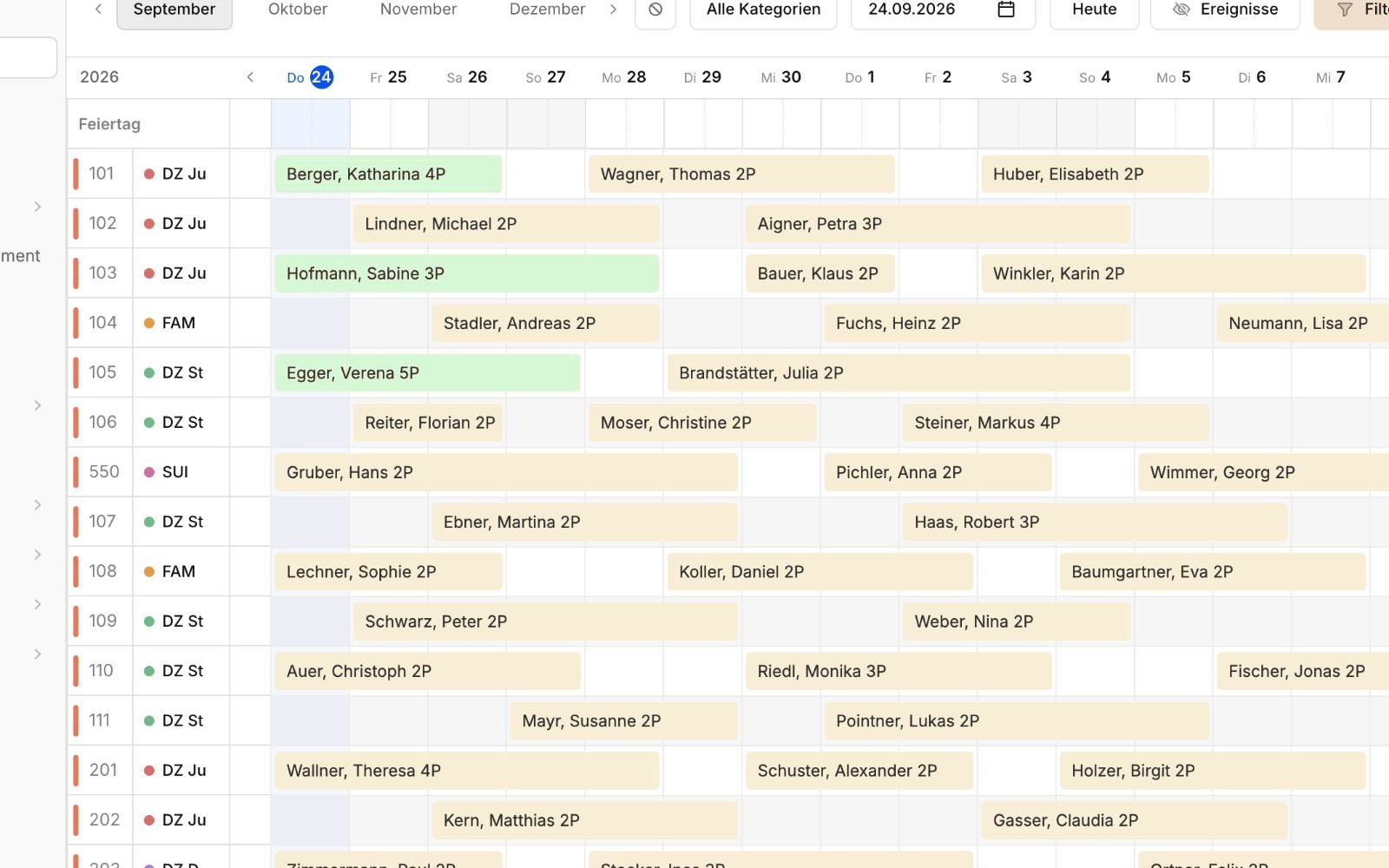
Reservations, room chart, housekeeping, invoicing, guest data and reports work with the same data. GMS develops the software and introduces it at your property.
felix is the AI assistant in the system. It reads enquiries, prepares offers and suggests rooms. Your team reviews and approves.
A browser and an internet connection are all you need to operate it. GMS sets up access during onboarding, and new features arrive continuously as releases. Write, speak or work in the familiar interface: everyone uses the same data.
Choose the page that fits your task.
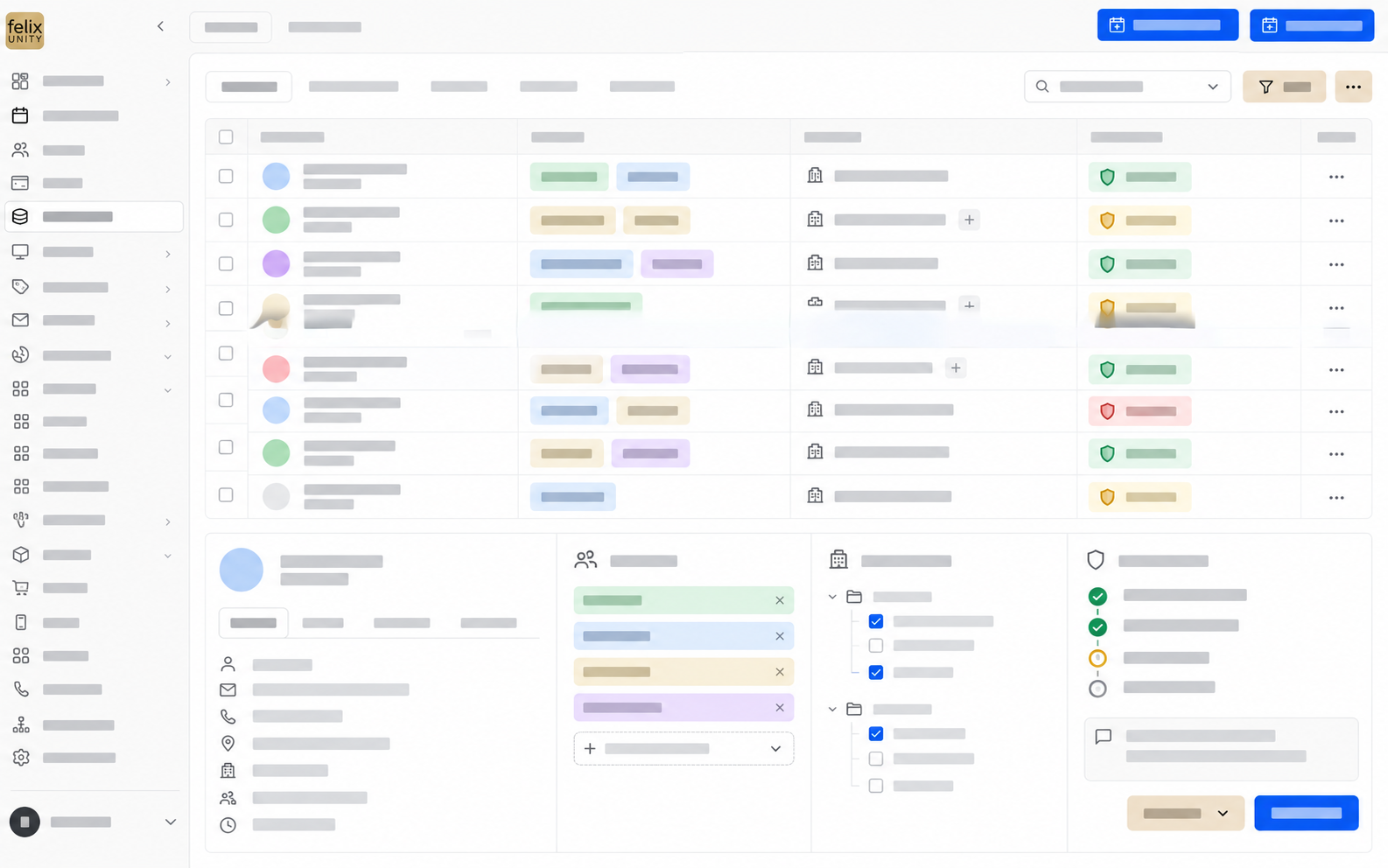
All three use the same data.
You write in normal sentences, for example “Which guests arrive today?”. felixUnity searches your data and presents the result.
You say what needs to be done, just as you would to a colleague at the front desk. Voice control is part of felixUnity, and its scope follows your project.
Reservations, room chart, housekeeping and reports are where your team knows them.
Which of these channels your property uses depends on the project.
GMS Online Booking provides the booking flow for your guests.
iButler answers guest questions in a dialogue, from content you have approved.
SmartOffer takes in enquiries, classifies them and prepares the offer. Your team reviews, or the process continues automatically. More under Tools.
For these five points we provide the contract and technical documents. Your IT can review them before you decide.
30 minutes, tailored to your role.We show a workflow from your operation.
Experience felixUnity liveRoles, access rights, approvals and degree of automation are set by your property.
felixUnity shows information, for example today’s arrivals.
felixUnity prepares a suggestion, for example an offer.
felixUnity carries out the task as soon as your team approves.
Defined routines run automatically, with rules, documentation and escalation.
How long the switch takes depends on data, integrations and processes.
Guest communication, offers, housekeeping or reports. You choose the workflow that costs the most time today.
Your current system does not have to be replaced right away. A project manager supports the start and introduces themselves in person.
Once the first workflow runs in day-to-day business, the next area is added. We compare processing time and error rate before and after.
Data transfer. We check technically whether data can be transferred before we commit to it. That depends on source system, data volume, interfaces and data quality.
How onboarding worksBinding details are set out in the contract and technical documents.
felixUnity is operated in the browser. GMS sets up access during onboarding, and environment, roles and permissions follow the scope of the project. Your staff need a browser and an internet connection to work.
A browser is all you need to operate felixUnity. What your integrations need on site, for example a POS or a locking system, we clarify before the start, integration by integration.
GMS delivers new features continuously as releases. Every change is listed with version, date and area in the release notes, which can be read without logging in.
The binding details on hosting, data processing, subprocessors and backups are set out in the data processing agreement and the technical documents. You receive them on request before you decide. We name server locations and availability only once they are available in writing.
Because felixUnity runs in the browser, working with it requires a connection. How your property keeps working during an interruption, we discuss in the appointment before you decide.
Yes. You can start in one defined area, and your current system does not have to be replaced right away. Whether and how data is transferred, we check depending on source system, data volume and interfaces. A binding commitment follows the technical review.
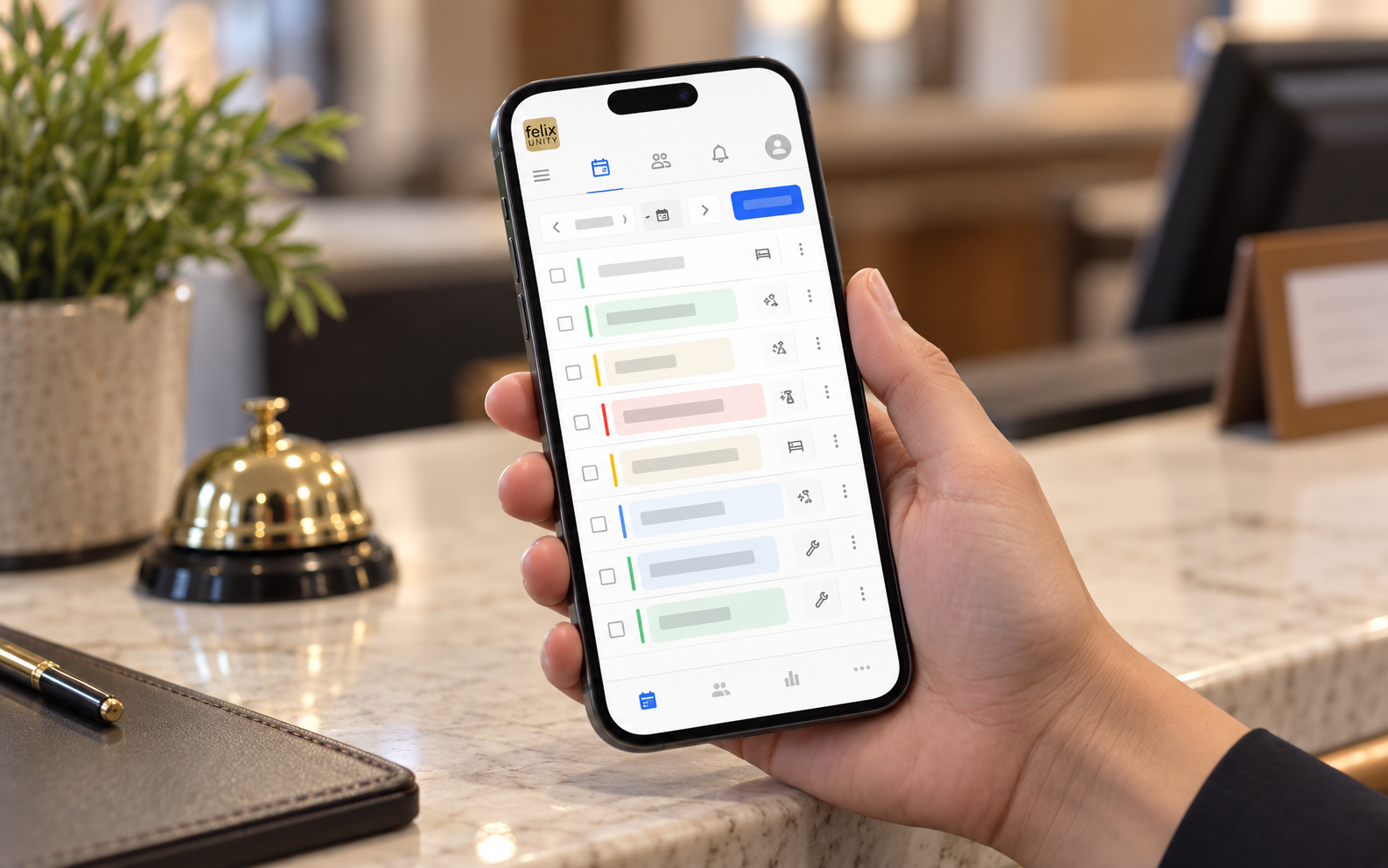
Housekeeping and internal tasks can be used on mobile. Which areas make sense on a smartphone or tablet, we show in the appointment using your own workflow.
GMS Online Booking provides the booking flow. Which guest channels your property uses, for example booking, chat or a guest area, depends on the project.
Your property decides: roles, access rights and approvals per area of work, from simply viewing to an automatic routine.
You request the appointment via “Experience felixUnity live”. In the appointment we first clarify goals and system landscape, then show a workflow from your property.
POS, channel manager, accounting, locking system: what can be connected.
View connections GuestsA dedicated area for every guest: view the booking, download the invoice, book extras.
To the guest portal IT and data protectionData, access, integrations, AI actions and operations for review by your IT.
Technical reviewWe show what felixUnity takes over today and where approvals apply.
Who you will meet at the appointment
 Sepp LankmayerManaging Director Sales
 Thomas KlaushoferTeam Lead felixUnity
 Florian WidtmannDevelopment
Sales and development sit at the table together. Technical questions are answered during the appointment, not sent afterwards.